
The Package Tracking System Already Built Into Your Phone
Plus: a new Apple privacy setting worth switching on, how Gmail shows package status without any searching, and a scam arriving as a delivery notification


I ordered three things in the same week last month. A book from a small publisher in the Netherlands, a replacement cable from an electronics shop, and something I had been putting off buying for months from a retailer I had never used before. Three confirmation emails. Three different tracking numbers. Three carrier websites, two of which I could not immediately find again when I needed them.
By the time the first package arrived, I could not remember which of the three it was supposed to be. I spent ten minutes searching my inbox, copying tracking numbers into websites, and refreshing pages that had not updated since the previous day. The cable arrived on time. The book was delayed. The third package was sitting at a collection point two streets away because I had missed the notification, which must have been somewhere in that confusing pile of notifications that informs me about every little irrelevant step that I don’t want to know about.
Online shopping is effortless. Keeping track of everything you have ordered, from where, and through which carrier is not. Your phone has tools that make this significantly easier, and most people have no idea they are there.
Today you’ll learn:
How your iPhone automatically detects tracking numbers in emails and messages without any setup
How to turn on Gmail’s built-in package tracking so delivery status appears directly in your inbox
Why downloading carrier apps usually creates more problems than it solves
How one free app consolidates every delivery across every carrier into a single screen
What to do when a tracking number stops updating or shows the wrong information
How to spot the fake delivery text that is currently one of the most common scams on smartphones
For new readers: Screen Skills provides practical digital advice without technical jargon. I focus on tools that enhance your digital life without overwhelming you with complexity. You can apply what you learn here within minutes.
Today, you can get a 20% discount on the first year of your subscription.
If this newsletter provides useful information that reduces your screen frustration, improves your output, and makes spending time online more fun for you, please consider supporting this newsletter that occupies a unique niche on Substack: digital tips for non-digital people.
Why tracking a package should not require this much effort
The fundamental problem is that online shopping is spread across dozens of retailers, each using dozens of different carriers. Amazon uses its own delivery network. A small shop in another country ships through a postal service you have never heard of. An electronics retailer uses FedEx for large items and the regular post for small ones. None of these systems talk to each other.
The instinct is to download the carrier’s own app. This creates a different problem. You end up with a UPS app, a FedEx app, a USPS app, and a DHL app, each of which you open roughly once per delivery and then ignore for weeks. That is not a tracking system. That is four more apps you forgot you had.
The better approach is to let your phone automatically detect tracking numbers and then use a single app that handles all carriers at once.
Note: The built-in detection features described below work reliably on recent versions of iOS and Android. If you have an older operating system, the consolidation apps described later in this issue are the better starting point.
On iPhone
When a tracking number arrives in your Messages app or your Mail app, your iPhone recognizes it automatically. You do not need to set anything up. The tracking number appears as a tappable link, and tapping it opens the carrier’s tracking page in Safari with your number already filled in, so you see your delivery status without typing or hunting for a website. This works with most major carriers, including UPS, FedEx, USPS, and DHL.
To find recent delivery emails quickly on iPhone, open the Mail app and tap the search bar at the top. Type the word “delivery” or “shipment,” and your phone will surface the relevant emails immediately. On some recent iOS versions, Mail will also highlight key details like estimated delivery dates directly in the message list, similar to how flight confirmations appear.
On Android
If you use Gmail on an Android phone, Google can automatically scan your inbox for order confirmations and tracking numbers and show delivery status right in your inbox. When Package tracking is turned on in Gmail’s settings, many shopping emails display a short status line such as “Arriving tomorrow” or “Delivered today” in the list view, plus a tracking summary at the top of the email itself. On some accounts, Google also offers a separate Purchases area that gathers delivery-related emails in one place.
If you do not see package information appearing in Gmail, open the Gmail app, go to Settings, select your account, and make sure Package tracking is enabled. Then check that your app is updated to the latest version through the Google Play Store.
Google Messages performs a similar function for tracking numbers received by text. When a message contains a recognized tracking number, it appears as a tappable link that opens tracking information directly.
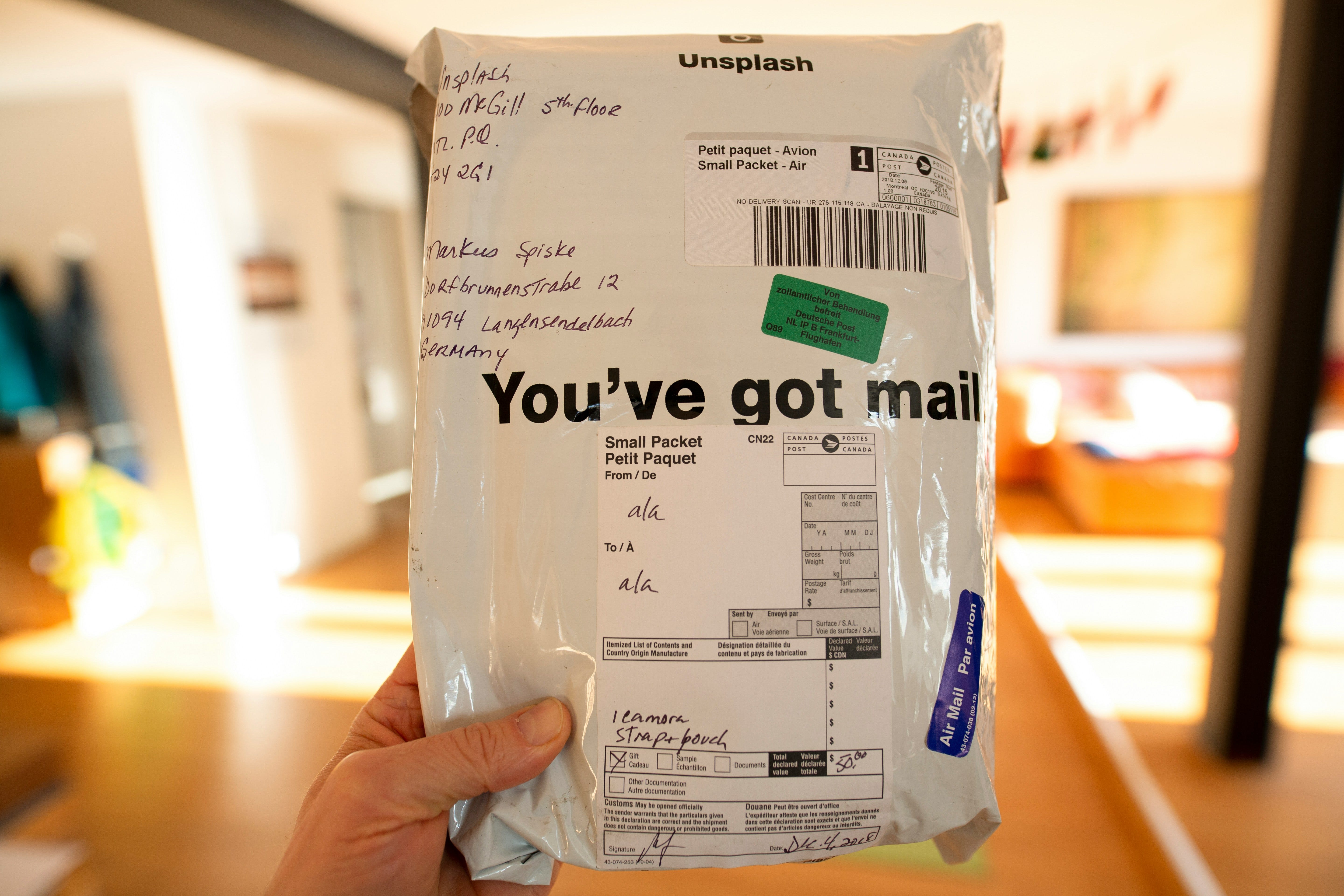
One practical tip: if a tracking number stops updating or shows confusing information, copy it and paste it into the search bar at 17track.net, a free universal tracker that checks more than two thousand carriers at once and automatically detects which carrier is handling your parcel. It often finds information that a carrier’s own website does not show clearly.
Worth knowing
Package tracking as we know it today was not always standard. When FedEx launched its online tracking system in 1994, it was considered a significant innovation. Customers could check a package’s location for the first time without calling a customer service line. Within a few years, most major carriers had followed, and real-time tracking became an expected part of any delivery service.
The complexity of modern tracking stems in part from the fragmented nature of last-mile delivery. Even a single package shipped by one retailer might pass through several carriers before it reaches your door, which is why tracking numbers sometimes stop updating mid-journey. The package has not disappeared. It has moved to a different carrier’s system that the original tracking number cannot see.
Universal tracking tools like the apps described in this issue solve this by checking dozens of carrier databases with a single query, which is why they often show more accurate and more current information than the carrier’s own app.
Today, you can get a 20% discount on the first year of your subscription.
Tech news
Apple added a new privacy setting that limits how precisely your mobile carrier can track your location. The setting is called Limit Precise Location and appears under Cellular settings on supported iPhones and iPads. When enabled, it reduces how precisely mobile carriers can infer your location from cell towers, downgrading it from a specific address to a broader neighborhood-level area. This setting does not affect how apps like Maps or Find My work, and it does not change how your deliveries are tracked, but it reduces background location data that many people do not realize their carrier can access. It is currently available on newer Apple devices with carriers that support the feature, with broader rollout expected over time. To check whether it is available on your phone, go to Settings, then Cellular, then Cellular Data Options.
Gmail has been quietly improving its built-in package tracking tools, and it is worth making sure you have them turned on. When Package tracking is enabled in your Gmail settings, many shopping emails automatically display delivery status in the message list and a tracking summary inside the email itself, so you can see whether something is arriving today without searching for the original order confirmation. If you shop online regularly and use Gmail, open the app, go to Settings, select your account, and confirm that Package tracking is switched on. It takes thirty seconds and saves considerably more than that over the course of a week of online orders.
App spotlight: Shop (iPhone/Android)
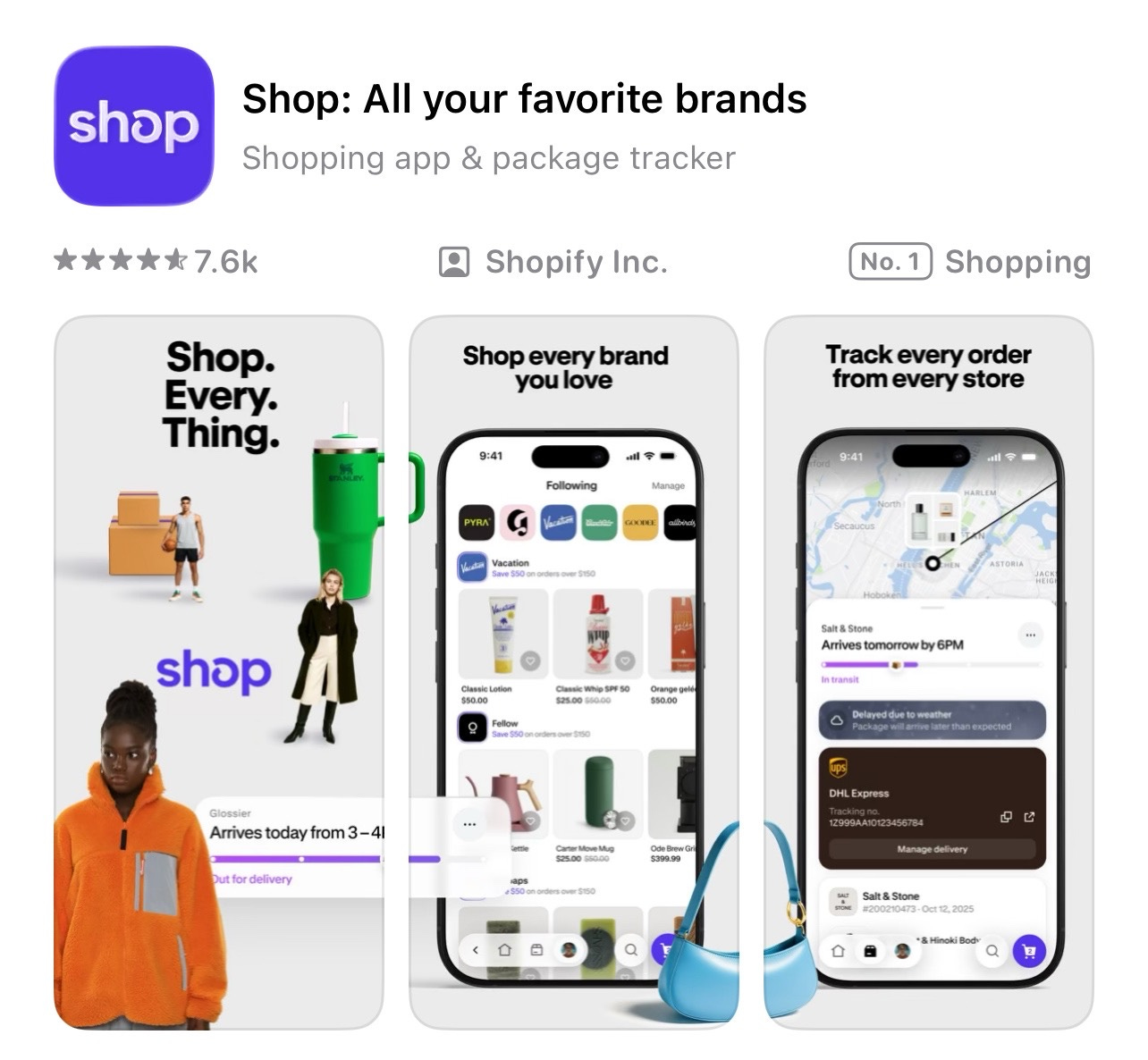
Shop solves the problem of tracking orders scattered across multiple retailers by pulling every delivery into a single screen. You connect a Gmail or Outlook account and the app scans recent emails for phrases like “tracking number” to find your orders automatically, particularly from stores that use Shopify. For orders it misses, which sometimes include smaller or less common retailers, you can add the tracking number manually or forward the confirmation email to a Shop address the app provides. The app is free, covers most major carriers used by US and international retailers, and is available on the App Store for iPhone and on Google Play for Android.
App spotlight: Deliveries: a Package Tracker (iPhone)
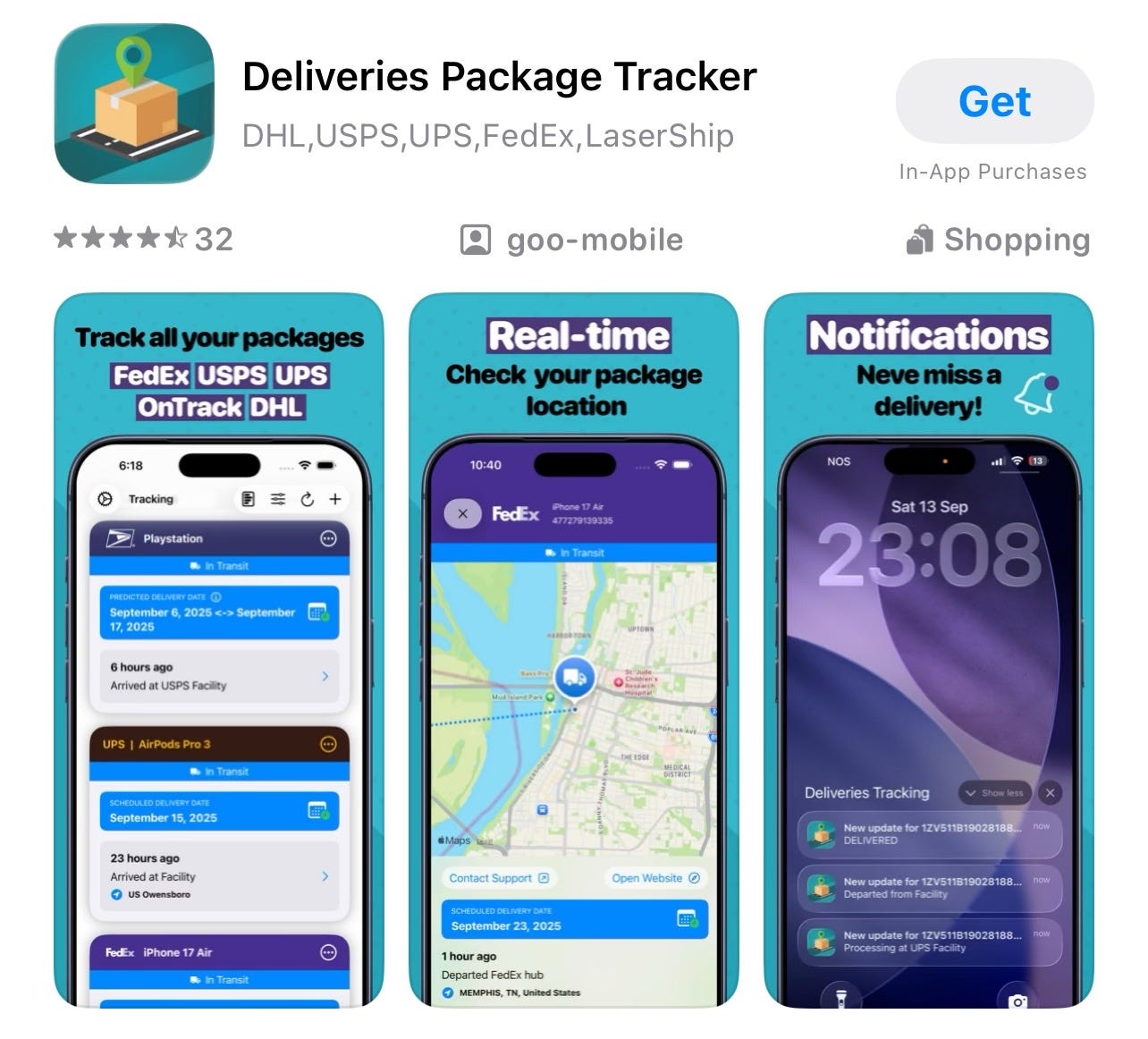
Deliveries is the long-established option for iPhone users who want more control over how their tracking is organized. Unlike Shop, it does not connect to your email automatically. You add tracking numbers yourself, which takes an extra step but means only the deliveries you choose appear in the app. It shows a clean timeline for each package, sends notifications at each stage of transit, and has a companion app for Mac so you can check delivery status on your computer as well. Pricing can change over time, so check the current details on the App Store before downloading. There is no Android version; Android users are better served by Shop or Gmail’s built-in package tracking.
Scam alert: the fake delivery text
One of the most common smartphone scams right now arrives as a text message claiming that a package could not be delivered and asking you to click a link to reschedule. The message often looks convincing, using carrier logos and professional language. The link leads to a fake website that asks for your name, address, and payment details, sometimes charging a small redelivery fee to make the request feel legitimate.
The tell is almost always the same: legitimate carriers do not charge a fee to redeliver a package, and they do not ask you to enter personal details through a link in a text message. If you receive a message like this, do not tap the link. Instead, go directly to the carrier’s official website by typing the address yourself, or use the tracking number in your original order confirmation email. If you are not expecting a delivery, the message is almost certainly a scam.
Meanwhile
The fake delivery text has become significantly more sophisticated in the past year. Earlier versions contained obvious spelling errors or strange formatting that made them easy to spot. The current versions are often indistinguishable from genuine carrier messages, right down to the tracking number format and the sender name displayed at the top of the message. The best protection is no longer the ability to spot a fake visually. It is a habit of always going to the carrier’s website directly by typing the address yourself, rather than tapping any link in any text, regardless of how legitimate it looks. That single habit makes this entire category of scams ineffective.
Did you read this one?
How to Read Any Article Without the Ads, Pop-Ups, and Distractions — this issue from April covered the built-in reader mode that strips away everything except the text, making any article easier to read on any device. It is behind the paywall, but paid subscribers can find it in the archive.
Questions?
What would you like to see covered in a future issue? Is there something your phone or computer does that you have never quite understood, or a task that still feels more complicated than it should? Reply to this email, leave a comment, or send a direct message. I read everything and use your suggestions to decide what comes next.
A few more thoughts to share:
Most technology writing assumes you’re already keeping up. It’s written for people who follow tech news as a hobby, who know the jargon, who want to go deeper. That’s a real audience, but it’s a small one. The much larger group, people who use screens every day for work, connection, and daily life without being specialists, rarely get the clear, patient explanation they deserve.
Screen Skills is for that group.
I will never assume you already know something.
I will never skip a step because it seems obvious.
And I will never make you feel behind for not knowing something that nobody properly explained to you in the first place.
If that sounds like the newsletter you’ve been looking for, consider subscribing.

Until next time,
Alexander
Still here?
Don’t go, read this first:
We’ve reached the end of the Screen Skills newsletter, but there is always more to read, like The Planet: my newsletter on politics, or Daybreak Notes & Beans: the good-news newsletter that I publish most days of the week. Or you can read about my travels in The Curious Wanderer, or read the More newsletter, which has more stories and news items to share and is harder to define in just one word. It’s worth staying here a moment and picking an article that you like to read.
🧭 Morning Compass
This morning, I published today’s Morning Compass in the More newsletter. This is the best way to quickly catch up on what’s going on during your first coffee.
This morning, I published:

The Planet
On Sunday, I published:

The Curious Wanderer
On Saturday, I published:

Daybreak Notes & Beans
Yesterday, I published:

Tremendously helpful advice. Two thousand carriers? Thanks!
This package info. was extremely helpful, especially the scam advice from a company that can’t find you to deliver a package and requires all kinds of information that provides your identity to them😳
I’ve fallen for it once, but a long time ago. I think it’s more prevalent now.
I’m glad you recommended the SHOP App. I’ve had it for about a year and it’s extremely useful‼️A good Screen Skills today😊